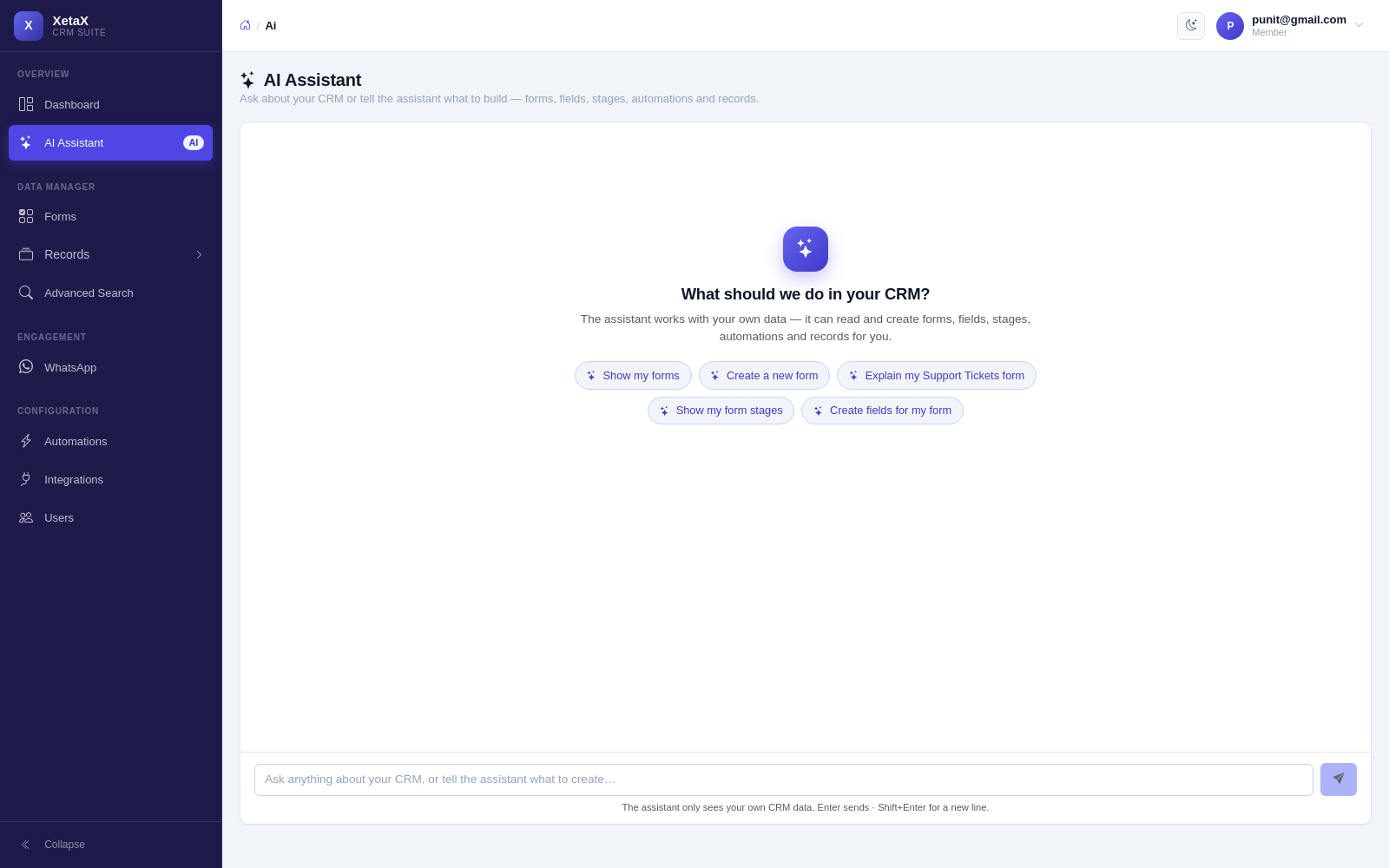
Just tell it what you want, in plain words
No menus to learn. Type like you would text a colleague, and the AI does the clicking for you.
In short
What it is
An assistant inside the panel that understands instructions and questions about your own business data.
Who it is for
Owners and staff who do not want to learn where every setting lives.
What you need
Nothing. It is there from the first day.
How it works
Four or five steps, start to finish.
Type what you want
“Create a form for wedding photography enquiries”.
It builds it
Fields, pipeline, welcome message — drafted and shown to you.
You review and keep it
Automations it sets up stay off until you switch them on.
Ask it anything else
“How many new enquiries this week?” — it reads your own data to answer.
What you get
- Builds things for you — forms, pipelines and automatic messages from one sentence.
- Answers from your data — “how many new enquiries this week?”, “who has not been followed up?”
- Drafts a full invoice — “website 15k + one year hosting 5k, 18% GST” becomes line items you can edit.
- Works on a single record too — open a lead and ask for a summary, a reply or the next step.
- Nothing goes live silently — anything it sets up waits for you to switch it on.
Is this for you?
Worth it if…
- You find CRM settings fiddly
- You want quick answers about your own numbers
- You raise invoices often
Probably not if…
- You want it to act on its own without review — that is Autopilot, not this
Questions
Does it change things without asking?
It creates drafts and shows them to you. Automations it sets up stay off until you turn them on.
Can it see my customers’ data?
It works on your account’s data so it can answer your questions. It does not share that with anyone else.
Is it the same AI that talks to customers?
No. This one works inside the panel for your team. Autopilot and the website chatbot are the customer-facing ones.