A salesperson on your website, awake 24/7
Visitors land on your website at 11 PM with questions. The chatbot answers them, in their own language, captures the lead — and calls a human when it should.
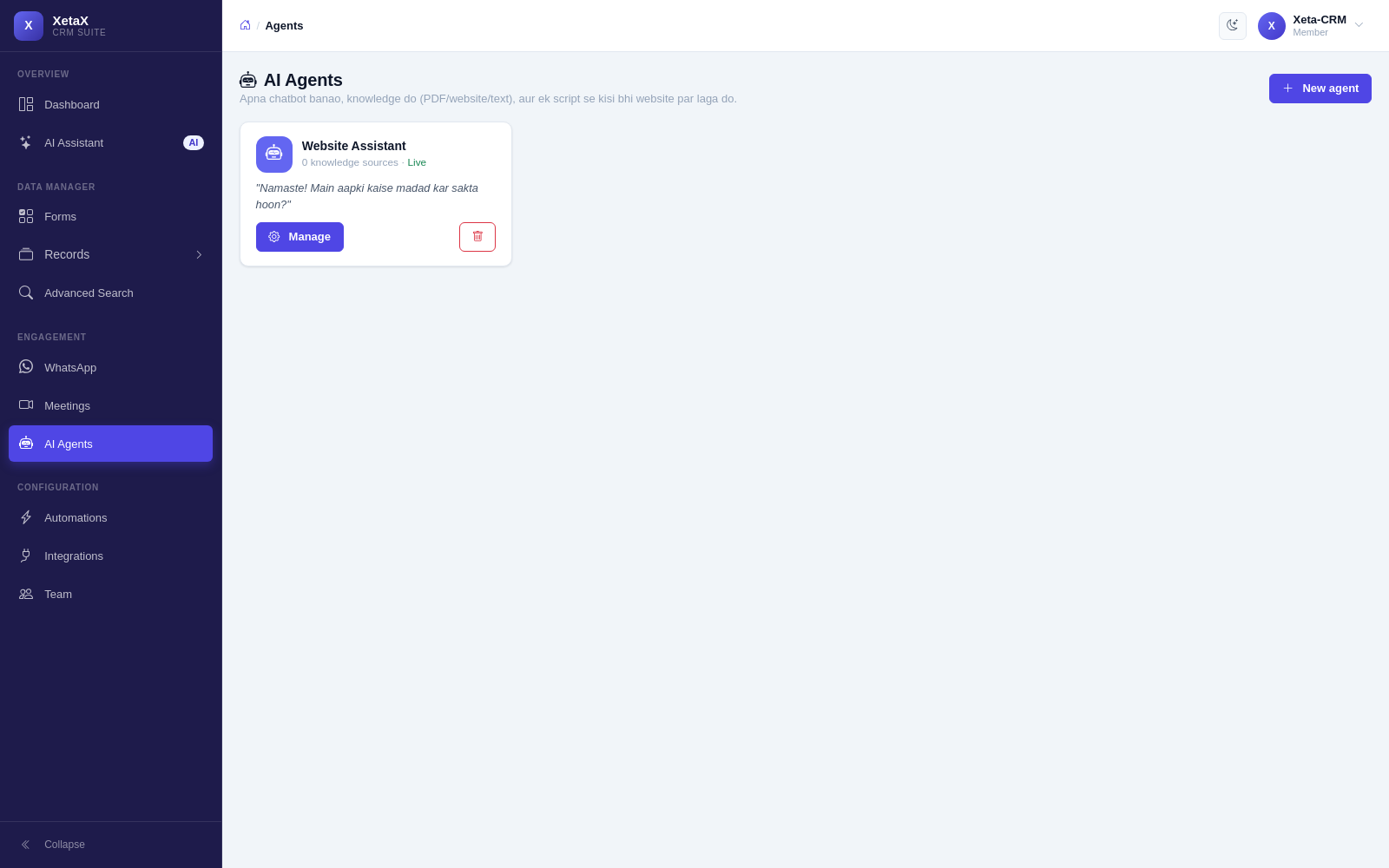
In short
What it is
A chat widget for your website that answers only from material you gave it, and turns conversations into leads.
Who it is for
Anyone whose website gets visitors but few enquiries.
What you need
A website you can paste one line into, and your prices or policies in any readable form.
How it works
Four or five steps, start to finish.
Teach it in minutes
Upload a PDF, paste your website link or type your prices and policies.
Paste one line on your site
WordPress, Wix, custom — anything that lets you add a script tag.
It answers visitors
In their own language, from your material only.
A lead is created
The moment it learns a phone or email, a record appears in the form you chose.
What you get
- Teach it in minutes — upload a PDF, paste your website link or type your prices and policies. It answers only from what you gave it.
- One line on your website — copy a single script tag from the panel and paste it on any site.
- Leads, not just chats — the moment it learns a phone or email, a record is created in the form you chose.
- Human hand-off built in — “talk to a person” turns into a request in your Live Chat Desk; your reply appears in the same widget.
- Answers in their language — a visitor writing in Hindi gets Hindi back.
Is this for you?
Worth it if…
- Your website gets traffic but not many enquiries
- The same questions get asked every day
- You cannot staff a chat window all day
Probably not if…
- You have no website
- Your answers change daily and are never written down
Questions
What exactly do I paste on my site?
One script tag the panel gives you. Nothing else changes on your website.
Can it invent an offer?
No. It answers from your uploaded material, and says it does not know rather than guessing.
What happens when someone wants a person?
It raises a request in your Live Chat Desk. Your reply shows up in the same chat window the visitor is already using.