Built so you stay in control
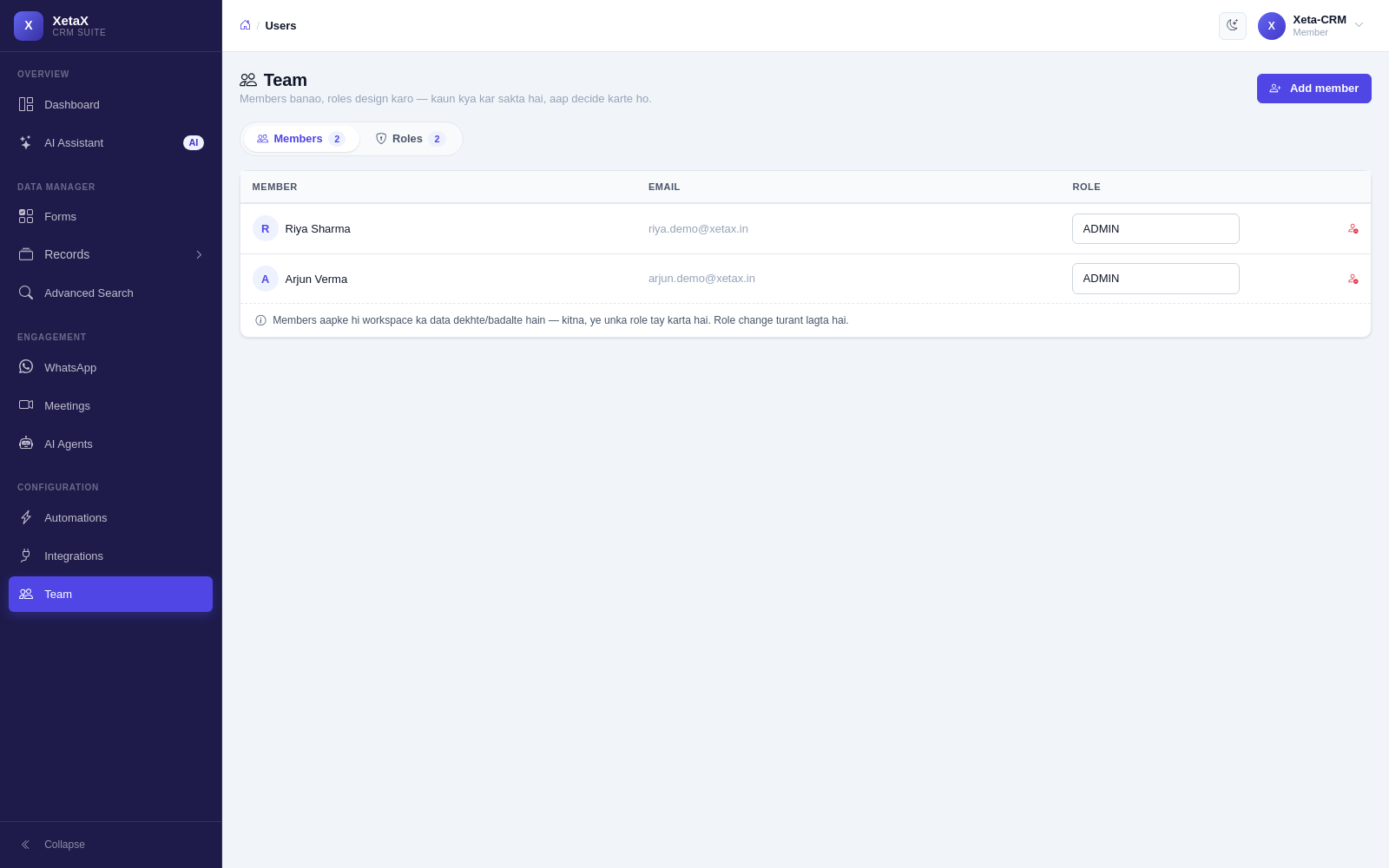
Invite your team, give each person exactly the access they need, and keep a record locked once it has been approved.
In short
What it is
Team accounts, roles, and the guarantees that stop data being quietly changed.
Who it is for
Any business with more than one person in the panel.
What you need
Your team’s email addresses.
How it works
Four or five steps, start to finish.
Invite your staff
Each person gets their own login.
Give them a role
Decide what each role can see and do — down to only their own customers.
Work in one shared view
The dashboard shows today at a glance: new leads, money due, what the team is on.
Approvals stay final
Once a record passes its final approval it is locked, and not even the admin can quietly revert it.
What you get
- Private by design — your business data belongs to you. Team members see only what you allow.
- AI on a leash — it answers only from your material, moves only the stages you list, and never overwrites what a person typed.
- Approvals are final — once a record passes its final approval, it is locked.
- Your own identity — emails go from your address, WhatsApp from your business number, invoices carry your GSTIN.
- A dashboard for the day — new leads, money due and what your team is on, in one place.
Is this for you?
Worth it if…
- More than one person uses the CRM
- Salespeople should not see each other’s leads
- You want approved records to stay approved
Probably not if…
- You are a single user and need nothing restricted
Questions
Can I stop a salesperson seeing other people’s leads?
Yes. Roles go down to “only their own customers”.
Can an admin undo an approval?
No. Once a record passes its final approval it is locked for everyone.
Do customers see XetaX branding?
No. Emails come from your address, WhatsApp from your number, invoices carry your GSTIN.