Let customers book and order without calling you
A booking page for appointments, a QR menu for orders. Both are public links you share, and both save the customer along with what they asked for.
In short
What it is
Two public pages: one that takes appointments into your diary, one that takes orders from a menu or catalogue.
Who it is for
Clinics, salons, coaching centres and services for bookings; restaurants and shops for the menu.
What you need
An industry pack switched on — the pages come with it.
How it works
Four or five steps, start to finish.
Pick your pack
Salon, clinic, services or coaching for bookings; restaurant or inventory for the menu.
Set what you offer
Your slots and how many people each one takes, or your items and prices.
Share the link or QR
On WhatsApp, on your website, or printed on a table card.
It lands in the CRM
An appointment on your diary or an order as a record — with the customer’s number saved.
What you get
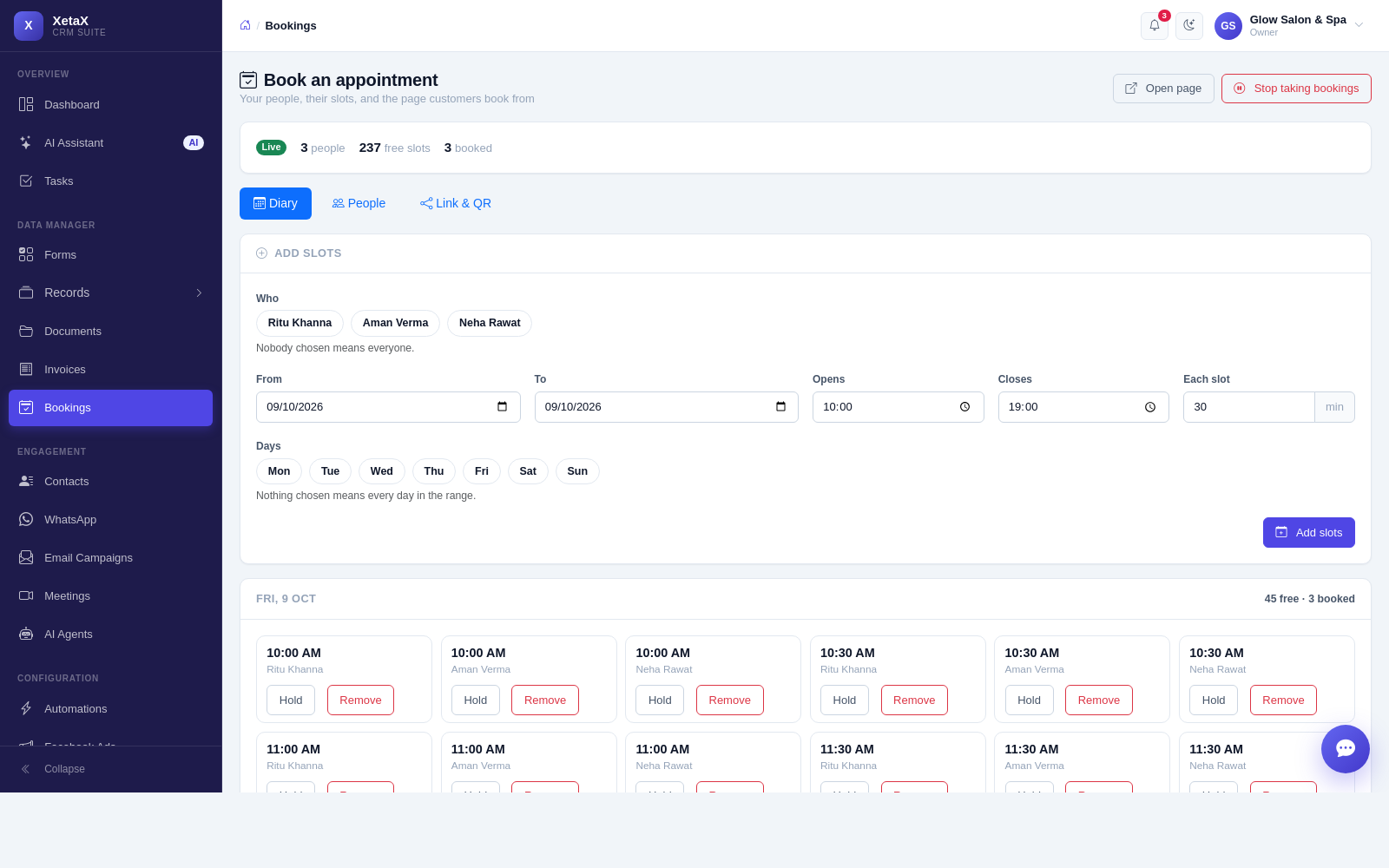
- A public booking page — appointments straight into your diary, no phone call needed.
- Slots with capacity — one-on-one by default; set a higher number where a slot takes several people.
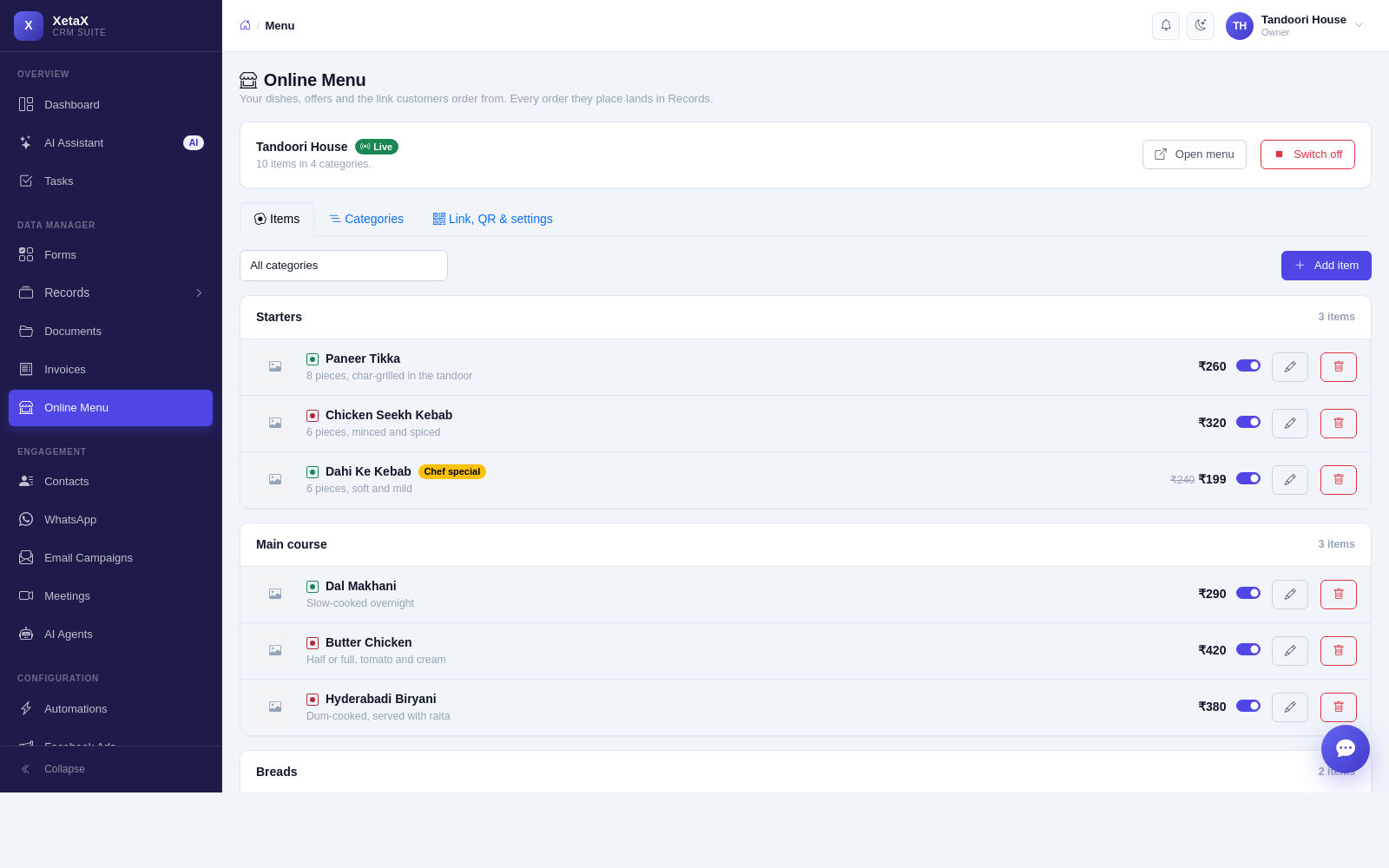
- A QR menu customers order from — every order saves their number, so you can message them again.
- Orders become records — they move through stages like anything else — received, preparing, out for delivery, delivered.
- Confirmations and reminders — automatic on WhatsApp, which is what cuts no-shows.
And the same for ordering
The online menu is built the same way — categories, items, prices and a public link your customers scan.
Is this for you?
Worth it if…
- Customers call to book and you miss the calls
- You want fewer no-shows
- You take orders over the phone and lose the numbers
Probably not if…
- You need table-level restaurant POS with billing hardware
- You need seat-level inventory like a cinema
Questions
Can more than one person book the same slot?
Yes if you want. Slots default to one person, and you can raise the number where it makes sense.
Do customers need an account?
No. It is a public page — they fill it in and that is it.
Does an order create a customer?
Yes. Every order saves the phone number, so the person becomes someone you can message later.