Meet customers where they already are
Your customers live on WhatsApp. One official business number, one shared inbox, and every conversation saved against the right customer.
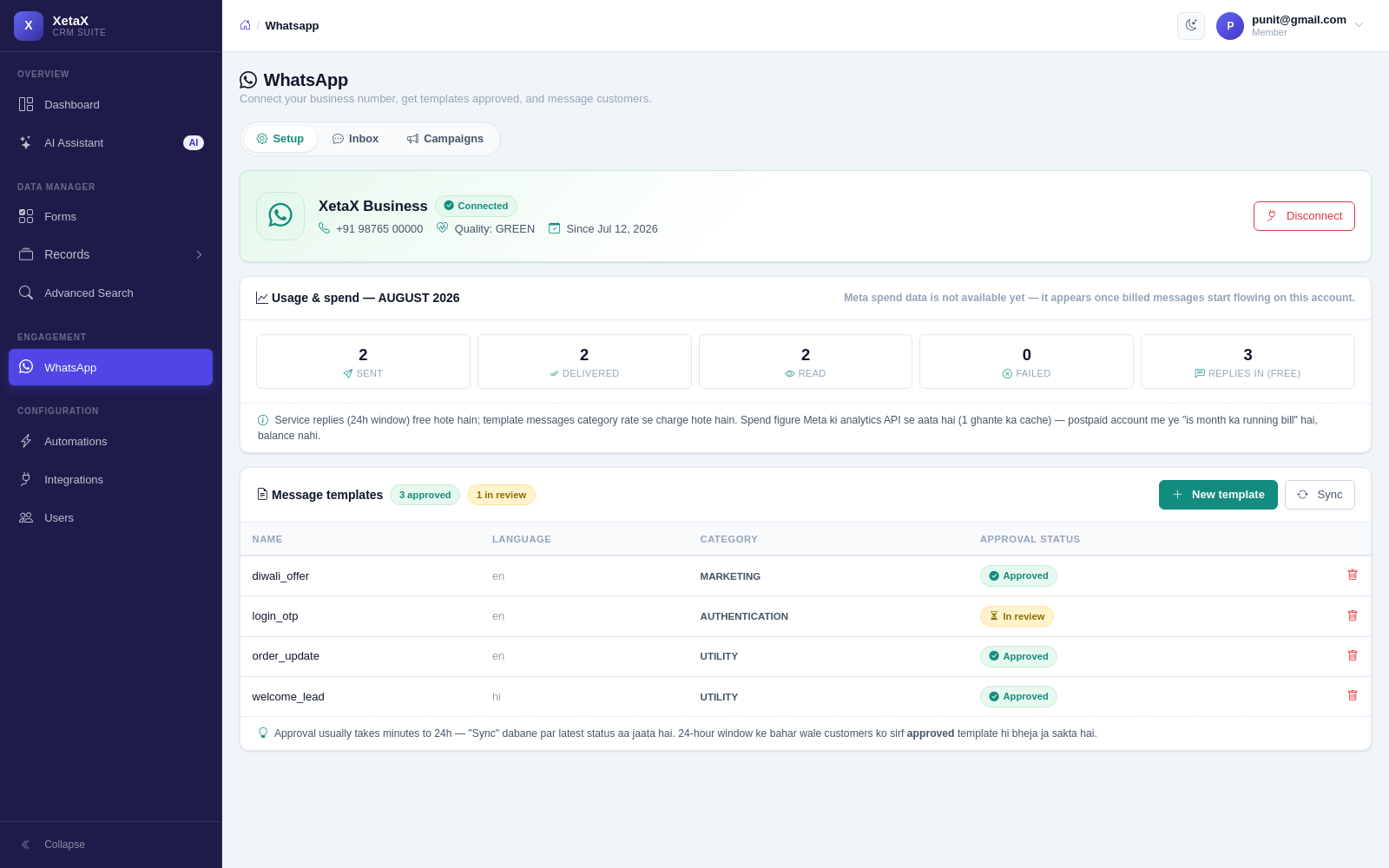
In short
What it is
Your business WhatsApp number, connected to the CRM, so chats and customer records are the same thing.
Who it is for
Any business where customers message before they buy — shops, clinics, dealers, agencies, coaching centres.
What you need
A phone number that is not on the normal WhatsApp app, and a Facebook Business account. We walk you through both.
How it works
Four or five steps, start to finish.
Connect your number
One guided setup. Keep your existing business number or start a fresh one.
Your team gets one inbox
Everyone replies from the same number. Who replied and when is on the record.
Every chat lands on a customer
New number? A contact is created. Known number? The chat joins their history.
Turn on the AI when you want
Autopilot can answer first and hand over to a person the moment someone asks.
What you get
- Shared team inbox — every customer chat in one place; anyone on the team can reply, with photos and files.
- Campaigns — send an offer to your whole list and see exactly who received it — with a picture, buttons or a swipeable row of cards.
- Forms inside the chat — ask for everything you need in one go with a Flow, and the answers arrive as a lead.
- AI answers the replies — turn on Autopilot and campaign replies get answered, qualified and saved as leads automatically.
- Automatic messages — welcomes, confirmations, reminders, thank-yous and personalised documents, sent without lifting a finger.
- Invoices and meeting links — send a GST invoice PDF or a video-call link right inside the chat.
- Zero markup on messages — you pay Meta’s actual conversation rate. Most tools quietly add 20–50% on top; we never touch it.
Is this for you?
Worth it if…
- Customers already message you and things get missed
- More than one person needs to answer the same number
- You want chats and customer records in one place
Probably not if…
- You only need one-way broadcast and nothing else
- You want to use a number that is already on the normal WhatsApp app
- Your customers never use WhatsApp
Questions
Can I keep my existing business number?
Yes, as long as it is not currently active on the normal WhatsApp or WhatsApp Business app. If it is, it has to be removed from there first — we take you through it.
What does sending actually cost?
Meta charges per conversation, and you pay that rate. XetaX adds nothing on top, so your message bill is the same as going direct.
Will customers see a different number?
No. Replies go out from your own business number, with your business name and profile photo.
Can two people reply at the same time?
They can both open a chat, and the panel shows who is on it. The Chat Desk goes a step further — the first person to accept a request owns it, so you never get double replies.